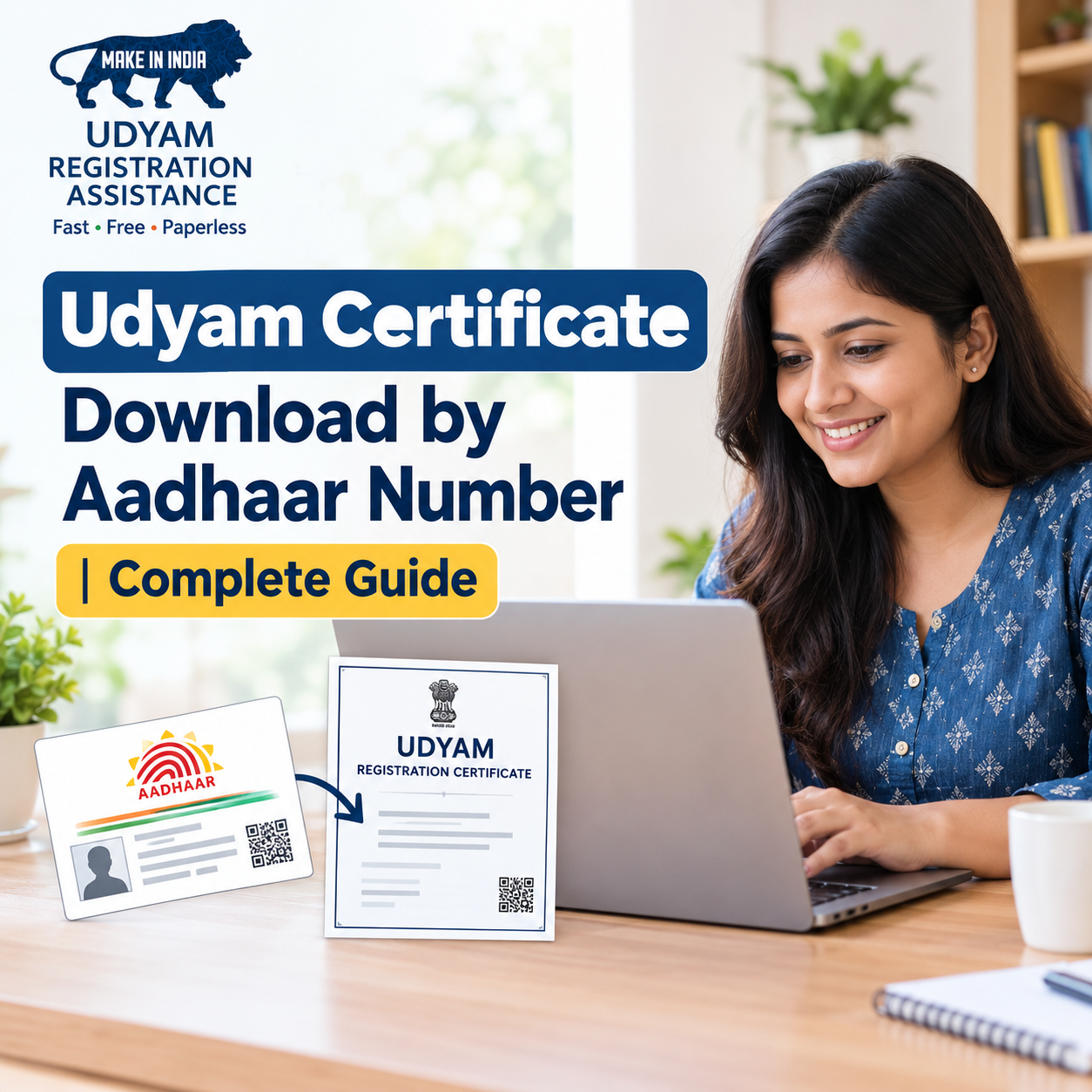
MSME Certificate Download by Aadhaar Number: Complete Guide
If you have registered your business under the Udyam Registration scheme but cannot find your certificate, you may be wondering how to download it using your Aadhaar number. Many small business owners face this situation when they need their certificate for business documentation, loan applications, government schemes, or other official purposes.
The good news is that the Udyam Registration Certificate is available online through the official government portal. However, it is important to understand one thing: you generally cannot download an existing Udyam certificate using only your Aadhaar number.
You need to access the appropriate services on the official portal and complete the required verification process. The Udyam login process uses your Udyam Registration Number and the mobile number registered with your application, with OTP verification.
In this guide, we will explain the correct procedure for udyam certificate download by Aadhaar number, how to recover your registration details, what to do if you do not receive an OTP, and how to avoid common mistakes.
What Is a Udyam Registration Certificate?
A Udyam Registration Certificate is an official electronic certificate issued by the Ministry of Micro, Small and Medium Enterprises (MSME), Government of India. It identifies an eligible enterprise registered under the Udyam system.
The registration process is online and based on self-declaration. Once registration is completed successfully, the enterprise receives a permanent Udyam Registration Number and an electronic certificate.
The certificate includes a dynamic QR code that helps users access the enterprise's registration information through the official portal.
The certificate can be useful for maintaining business records and demonstrating Udyam registration when applying for relevant business services or schemes. Eligibility for particular benefits depends on the applicable scheme's rules and requirements.
Can You Download a Udyam Certificate Using Only an Aadhaar Number?
This is one of the most common questions among business owners. Aadhaar is an important part of the Udyam registration process. Depending on the type of business, the Aadhaar details must belong to the proprietor, managing partner, or karta of a Hindu Undivided Family. Companies and other eligible organisations must follow the applicable PAN, GSTIN, and authorised-signatory requirements.
However, Aadhaar verification for registration is different from accessing an already registered enterprise's certificate.
For an existing registration, the official Udyam login page asks for the Udyam Registration Number, the mobile number used in the application, and an OTP received through the available registered contact method. Therefore, if you have lost your certificate and do not remember your registration number, you should first recover or locate your Udyam details rather than repeatedly entering your Aadhaar number on unrelated websites.
Documents and Details Required Before Downloading
Before starting the process, keep the following information ready:
- Udyam Registration Number: This is the unique identification number assigned to your registered enterprise.
- Registered mobile number: Keep the mobile number associated with your Udyam application available for OTP verification.
- Registered email address: This may be useful if the official login page offers email OTP verification for your application.
- Internet-connected device: You can use a computer, laptop, tablet, or smartphone.
- PDF reader: A PDF viewer can help you open, check, and print the downloaded certificate.
If you have forgotten your Udyam Registration Number, do not assume that your registration has been cancelled or deleted. First, look through your old registration emails, downloaded documents, business records, and previous correspondence.
Step-by-Step Process for Udyam Certificate Download by Aadhaar Number
Follow these steps to access your existing certificate safely.
Step 1: Visit the Official Udyam Registration Portal
Open your browser and visit the official website Check the website address carefully before entering any information. Several private websites offer assistance with business registration, but the government portal states that Udyam registration is free and that the official process should be completed through the authorised portal.
Avoid websites that demand unnecessary payments or promise special access to government records.
Step 2: Find the Print or Download Certificate Service
On the official portal, look for the section related to printing or downloading the Udyam Registration Certificate. Portal menus may change, so check the current options carefully.
Select the service intended for an already registered enterprise. Do not select the new registration option unless you are actually registering an eligible enterprise for the first time.
If you cannot locate the certificate service, use the portal's official contact or help section.
Step 3: Enter Your Udyam Registration Number
The existing Udyam login process requires the registration number assigned to your enterprise. It follows a format similar to UDYAM-XX-00-0000000.
Enter your own registration number exactly as issued. Check the letters, numbers, and hyphens before continuing.
If you have only your Aadhaar number and cannot find your Udyam Registration Number, move to the recovery instructions below. Aadhaar alone should not be treated as a substitute for the registration number on the existing-enterprise login page.
Step 4: Enter Your Registered Mobile Number
Provide the mobile number associated with your original Udyam application wherever the portal requests it.
Make sure that you are using the number recorded during registration. A new mobile number may not receive the verification code if it has not been updated in the official records.
If you no longer use the registered number, follow the official support process instead of attempting to bypass verification.
Step 5: Complete OTP Verification
Choose one of the verification options available on the portal, such as an OTP sent to the registered mobile number or email address, where offered.
Enter the OTP exactly as received and complete the verification process. An OTP is a temporary security code used to confirm access.
Never disclose this code to another person, even if they claim to represent a registration service or government department.
Step 6: Log In and Locate Your Certificate
After successful verification, follow the instructions displayed on the portal. Locate the option to print or download your Udyam Registration Certificate.
Depending on the service available, the portal may also provide access to related registration information or an annexure. Review the displayed information before downloading the available document.
Step 7: Download and Save the PDF
Use the available download or print option to save the certificate to your device. If a PDF is provided, open it and check that the enterprise details are readable.
Save the file in a secure folder using a clear filename, such as Udyam_Registration_Certificate.pdf.
You can also maintain a backup in a secure location and print a copy if required for your business records.
How to Find Your Udyam Registration Number If You Have Only Aadhaar
If your primary goal is to download your Udyam certificate using your Aadhaar number because you have forgotten your registration details, try the following steps.
1. Check Your Registered Email
Search your email inbox for terms such as “Udyam Registration,” “Udyam Registration Number,” or “MSME certificate.” Also check the spam and archived folders.
If you find your registration confirmation or a previously received certificate, use the registration number shown there.
2. Search Your Business Documents
Check your computer, phone, cloud storage, and business files for an older certificate or registration acknowledgement. You may have downloaded the certificate when your business was first registered.
If an accountant or authorised representative handled the application, ask whether they retained a copy.
3. Use Official Portal Services
Visit the official Udyam portal and look for the current options for forgotten registration details, registration-number verification, or assistance with an existing application.
Follow the specific verification requirements displayed by the government portal. The availability and method of any recovery service may change, so do not rely on unofficial instructions that promise Aadhaar-only access without verification.
4. Contact the Official Helpdesk
If you cannot retrieve the number, use the contact details published on the official portal. Explain that you are the authorised person for the enterprise and have lost access to your registration details.
Be prepared to complete any identity or business verification that the authorised support team requires.
What to Do If You Cannot Download Your Certificate
Sometimes the certificate download process fails even when the enterprise is registered. Here are common problems and practical ways to address them.
- OTP not received: Check your mobile network, confirm that you entered the registered number correctly, and wait briefly before requesting another OTP. Check your registered email if that option is available.
- Incorrect Udyam Registration Number: Compare the number with your original certificate or registration confirmation. Pay close attention to letters, digits, and hyphens.
- Registered mobile number unavailable: Use the official support or update process to resolve the access issue. Do not enter someone else's number or try to bypass verification.
- Website not loading: Try again after some time, refresh the page, or use another updated browser. Temporary technical issues may affect the service.
- Certificate details appear incorrect: Review the information on the certificate and use the relevant correction or update facility provided by the official portal. Keep supporting business records available if needed.
- No existing Udyam registration found: Check whether the business was actually registered under Udyam or only had an older Udyog Aadhaar Memorandum (UAM). Older registration records may require a different service or migration procedure. Do not create a duplicate registration simply because you cannot locate an old certificate.
Why Is the Udyam Registration Certificate Important?
The certificate serves as evidence that an enterprise has completed Udyam registration. Depending on the business's circumstances and the requirements of a particular programme, it may be requested for:
- Maintaining official business documentation.
- Applying for eligible MSME-related schemes.
- Providing registration details to banks or financial institutions.
- Participating in relevant procurement or business opportunities.
- Keeping enterprise records organised for future reference.
- Verifying registration details through the certificate's QR code.
Possessing the certificate does not automatically guarantee a loan, subsidy, tender award, or other benefit. Each programme or institution may apply additional eligibility conditions.
Does the Udyam Certificate Need Renewal?
The official Udyam portal states that Udyam registration does not require renewal. This means that you do not need to renew the registration at regular intervals merely to keep the certificate valid.
However, you should ensure that your business information remains accurate and comply with any applicable information-update requirements. If your enterprise details change, check the official portal for the appropriate update procedure.
Keep a current copy of the certificate available whenever your business needs to provide proof of its registration.